Working from home is here to stay, and Felton offers a peaceful forest setting that can help you focus. If you are moving from the Bay Area or just relocating within Santa Cruz County, you want a home that supports your day-to-day work. In the redwoods and hills, details like light, internet reliability, and backup power matter more than you might expect. In this guide, you will learn what to look for in a remote-work-friendly home in Felton, how to verify key services, and which upgrades add real value. Let’s dive in.
Felton’s remote work reality
Commute and access
Even if you work from home most days, you might still head to Santa Cruz or the South Bay. State Route 17 is the main route. It is scenic, but it can get congested and is sometimes impacted by winter storms. Before you buy, preview typical drive times and check current road conditions using the Caltrans QuickMap so in-person office trips do not surprise you.
Trees, light, and moisture
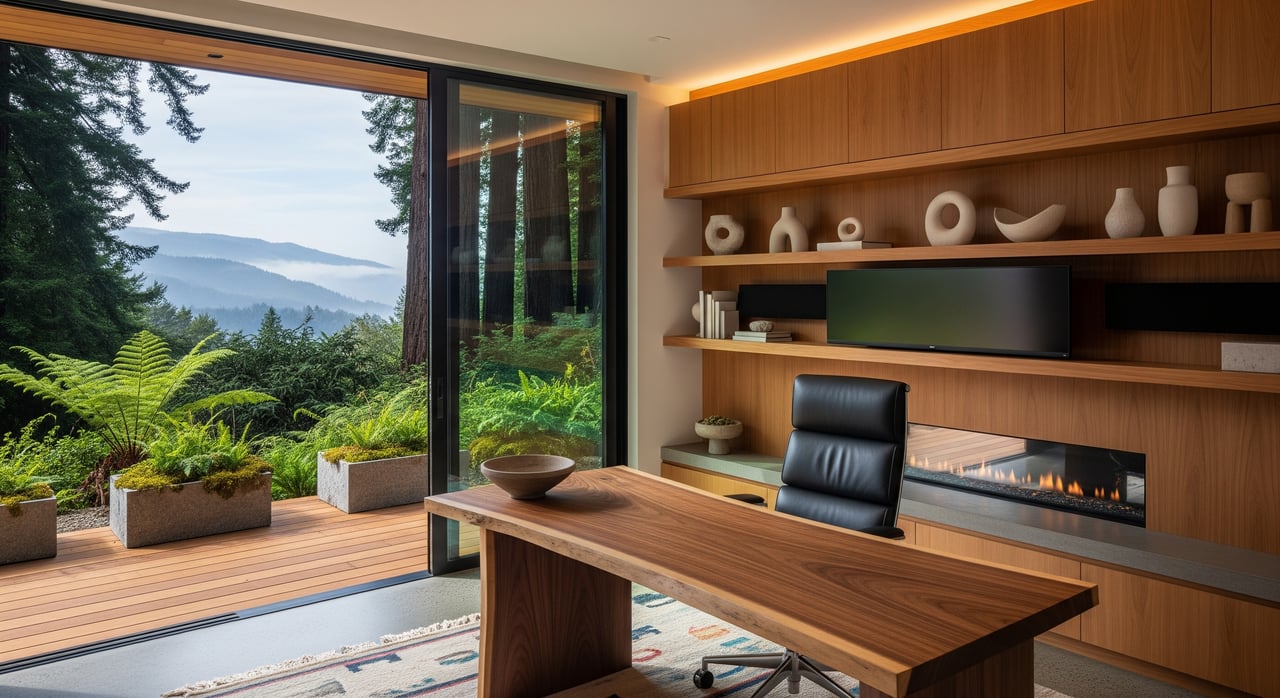
Felton homes often sit among redwoods or on sloped lots. The canopy brings cooler, diffuse daylight and extra shade. That can be great for comfort, but it can also mean less direct light in your office and slower drying after rain. Plan for a workspace with bigger windows, smart lighting, and moisture control so your office stays bright and dry.
Wildfire exposure and power reliability
Felton sits in the wildland-urban interface where fire safety practices matter. You should understand defensible space and fire-hardening basics for any home you consider. Start with Cal Fire’s guidance on defensible space and home hardening. Also learn how Public Safety Power Shutoffs work and plan for outages. Review PG&E’s PSPS information so you can prepare a backup power strategy that fits your work.
Utilities and connectivity vary by parcel
Broadband in Santa Cruz County is a patchwork. Cable internet serves many neighborhoods, DSL exists in some corridors, and satellite options are expanding. Fiber is not consistent. Cell coverage can be weak under heavy tree cover. Some homes use private wells and septic systems. Always verify services at the address level before you fall in love with a house.
Must-have home office features
A dedicated, quiet workspace
A separate room with a door gives you focus and privacy for video calls. Keep your office away from busy areas like the kitchen and living room. A solid-core door, carpet or rugs, and basic acoustic panels help keep noise down. Plan for good ergonomics, including desk height, monitor distance, and a chair that supports long workdays.
Natural light that works with the redwoods
In shaded settings, daylight is softer. Look for rooms with larger windows or multiple exposures to brighten the space. South or east-facing windows often bring usable morning light when the canopy allows. Where the canopy is tight, skylights or solar tubes can help, as long as they meet roof and permit rules. For reliable lighting on cloudy days, aim for daylight-balanced bulbs with high color quality (CRI 90+ at about 4000K), and use blinds or anti-glare screen filters to control reflections.
Layout and storage you can adapt
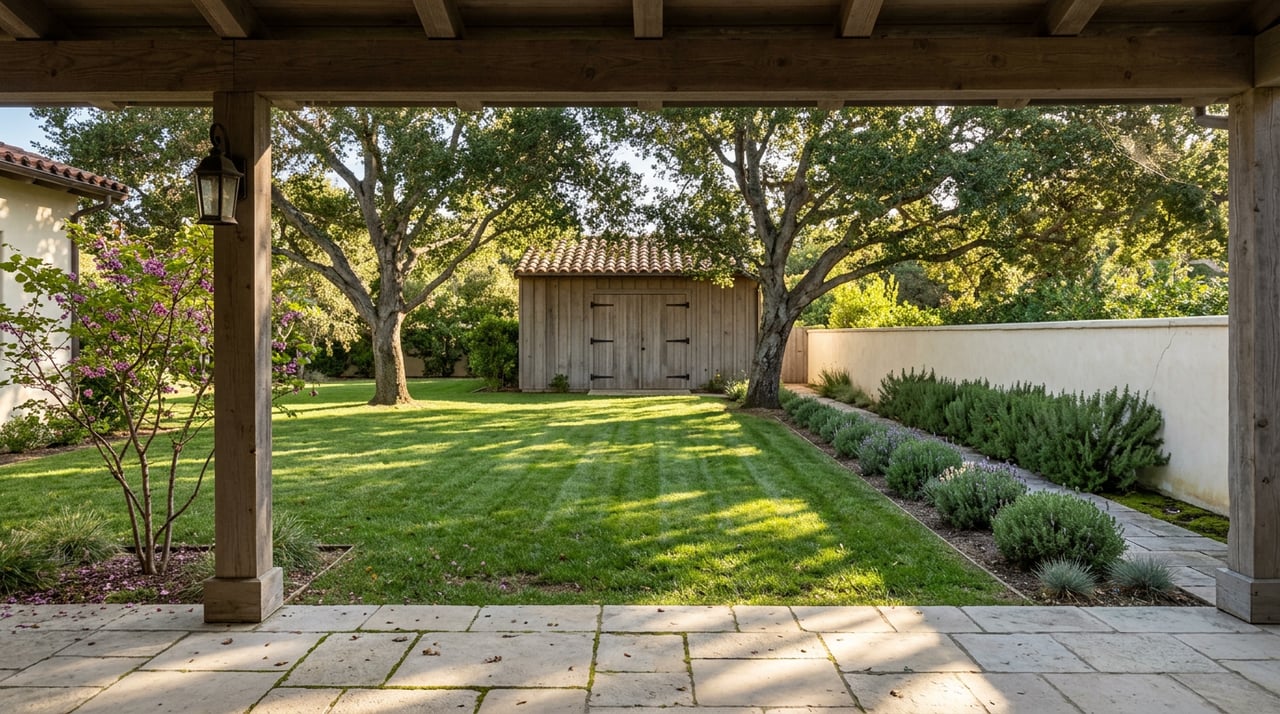
Choose a flexible floor plan that lets your office double as a guest room or studio when needed. Built-in shelving, a cabinet for printers, and cable routing near the desk keep your background tidy for video calls. If you see potential in a garage, shed, or small outbuilding, think about converting it into a detached office. Just remember to check local permits and building rules before you plan any changes.
Connectivity that does not quit
For remote work, wired beats wireless. Prioritize homes that let you run Ethernet (Cat6 or Cat6a) to your office. If you have a larger home, use a router with mesh Wi-Fi or add wired access points to cover every room. For a detached office, consider an outdoor-rated access point or a direct Ethernet run.
You also want redundancy. Verify which ISPs will actually serve the parcel. If there is only one option, plan a backup like a 4G or 5G cellular router, or consider a second provider. For most professionals, target at least 50 to 100 Mbps download and 10 to 20 Mbps upload per user. If you upload large files, you will want more bandwidth. Always run an on-site wired speed test before you commit.
Comfort, air quality, and moisture control
In shaded or lower-level rooms, humidity can creep up. Look for an HVAC setup that lets you control the office independently, such as a zoned system or a quiet ductless mini-split. Proper ventilation and, if needed, a dehumidifier can reduce mold risk and protect electronics. If the home has a wood stove or fireplace, confirm chimney and ventilation safety, and keep your office away from any smoke sources. Carbon monoxide detectors and good airflow are essential.
Power and backup for the unexpected
Outages can disrupt your day. At a minimum, place your modem, router, and main workstation on a UPS so short outages do not drop your calls. For longer outages, evaluate a whole-home battery or a generator. Review PG&E’s PSPS readiness resources and confirm permitting requirements for interconnection and installation. Inside your office, ensure you have enough dedicated circuits and outlets to handle multiple monitors, chargers, printers, and a space heater or mini-split.
Smart steps before you write an offer
Verify internet, utilities, and power history
- Ask the seller for a written list of active ISPs at the address, the maximum advertised speeds, and where the line enters the home.
- Perform an on-site wired speed test near your planned office location.
- Check which utilities serve the property. If it is on a well or septic, request recent water test results, pump details, septic age, capacity, and service records.
- Ask about any past wildfire-safety audits, defensible space work, and fire-hardening upgrades like ember-resistant vents or metal roofing.
- Inquire about prior PSPS events or outages at the address and whether there is a backup power system in place.
Order inspections with a remote-work lens
- Standard home inspection with extra attention to electrical panel capacity and available circuits for office loads.
- Roof and gutter condition, plus tree clearance, since needle and debris buildup is common near redwoods.
- Moisture and mold checks in shaded or lower-level areas and in the crawlspace.
- Internet and cell evaluation. Run a wired speed test and try live calls on multiple carriers inside the planned office.
- For well and septic homes, get certified inspections and yield tests.
- Consider a defensible-space and vegetation assessment by a qualified professional.
Plan permits and future projects
If you want to add a detached office or convert part of a garage, review state and county rules early. California law makes it easier to build ADUs, which can double as an office, guest space, or future rental. Start with the state’s Accessory Dwelling Unit resources, then confirm local details with the Santa Cruz County Planning and Building Department. Permits are often required for electrical, HVAC, skylights, or structural changes, so include time and cost in your plan.
Think about resale from day one
Remote-work features are a selling point in Felton. A visible, enclosed office, solid high-speed internet, comfortable lighting, and quiet HVAC stand out to future buyers. Flexible rooms and simple pathways to convert a bedroom, garage, or ADU into an office can expand your buyer pool when it is time to move.
Trusted resources for Felton buyers
Use these official sources to verify services and plan your setup:
- Cal Fire defensible space and WUI guidance
- PG&E PSPS planning and outage preparedness
- Santa Cruz County Planning and Building Department
- California HCD ADU resources
- FCC National Broadband Map
- NTIA BroadbandUSA updates
- Caltrans QuickMap for SR-17 conditions
How I help you work from home in Felton
You deserve a home that supports your career and your lifestyle. With local expertise across Santa Cruz County and integrated mortgage know-how, you get clear guidance from first tour to close. I help you verify internet options, evaluate office-ready layouts, and coordinate inspections that matter for hillside and redwood properties. If you are exploring ADUs or a detached office, I help you understand the path and timelines so you can plan with confidence.
If you are ready to find a remote-work-ready home in Felton, connect with Sergio Ruiz for a friendly consultation and a streamlined plan.
FAQs
What should remote workers verify first when buying in Felton?
- Confirm actual internet options and speeds at the parcel, check power outage history, and assess daylight and moisture levels in the potential office room.
How can I check if high-speed internet is available at a specific Felton address?
- Ask the seller for provider details, run an on-site wired speed test, compare results with the FCC broadband map, and contact local ISPs directly.
What backup power setup is practical for home offices in Felton?
- Use a UPS for your modem, router, and main workstation, and consider a whole-home battery or generator if your area experiences repeated PSPS events.
Are detached office conversions or ADUs allowed in Santa Cruz County?
- California has supportive ADU laws, but local permits, setbacks, fire-safety, and septic capacity rules still apply, so review HCD’s ADU guide and check with Santa Cruz County Planning.
What lighting works best for shaded redwood lots?
- Combine larger or multiple-exposure windows with daylight-balanced bulbs around 4000K and high CRI, plus blinds or anti-glare filters to manage screen reflections.
How do I evaluate wildfire risk around a home I like?
- Review Cal Fire’s defensible space guidance and ask for any past fire-hardening or defensible-space work done at the property.